One browser extension for Codex and every other agent
OpenAI’s extension gives Codex your browser from the ChatGPT desktop app, and only to OpenAI’s agents. Tabhand gives Codex your signed-in Chrome in the terminal, the editor and the app, and gives the same to every other agent you run.
npx tabhand setup --harness codexOne command, no ChatGPT account, nothing sent anywhere. Leave off --harness codex to set up every agent on your Mac.
Codex in your terminal, with your logins
OpenAI documents its extension working “from the ChatGPT desktop app”. Its docs don’t cover the Codex CLI or the IDE extension, and on GitHub, the request to use it from the CLI is still open.
Tabhand works wherever Codex does. The CLI, the IDE extension and the desktop app share one settings file, ~/.codex/config.toml, and setup adds Tabhand there with Codex’s own codex mcp add. Start Codex anywhere and it can open your dashboards, your inbox and your staging site, signed in as you.
Not just OpenAI’s agents
OpenAI’s extension serves ChatGPT and Codex. Anthropic’s serves Claude. Every AI company’s extension is built for its own agent, so Codex plus Claude Code means two extensions and two subscriptions, while Cursor, OpenCode and Gemini CLI get none.
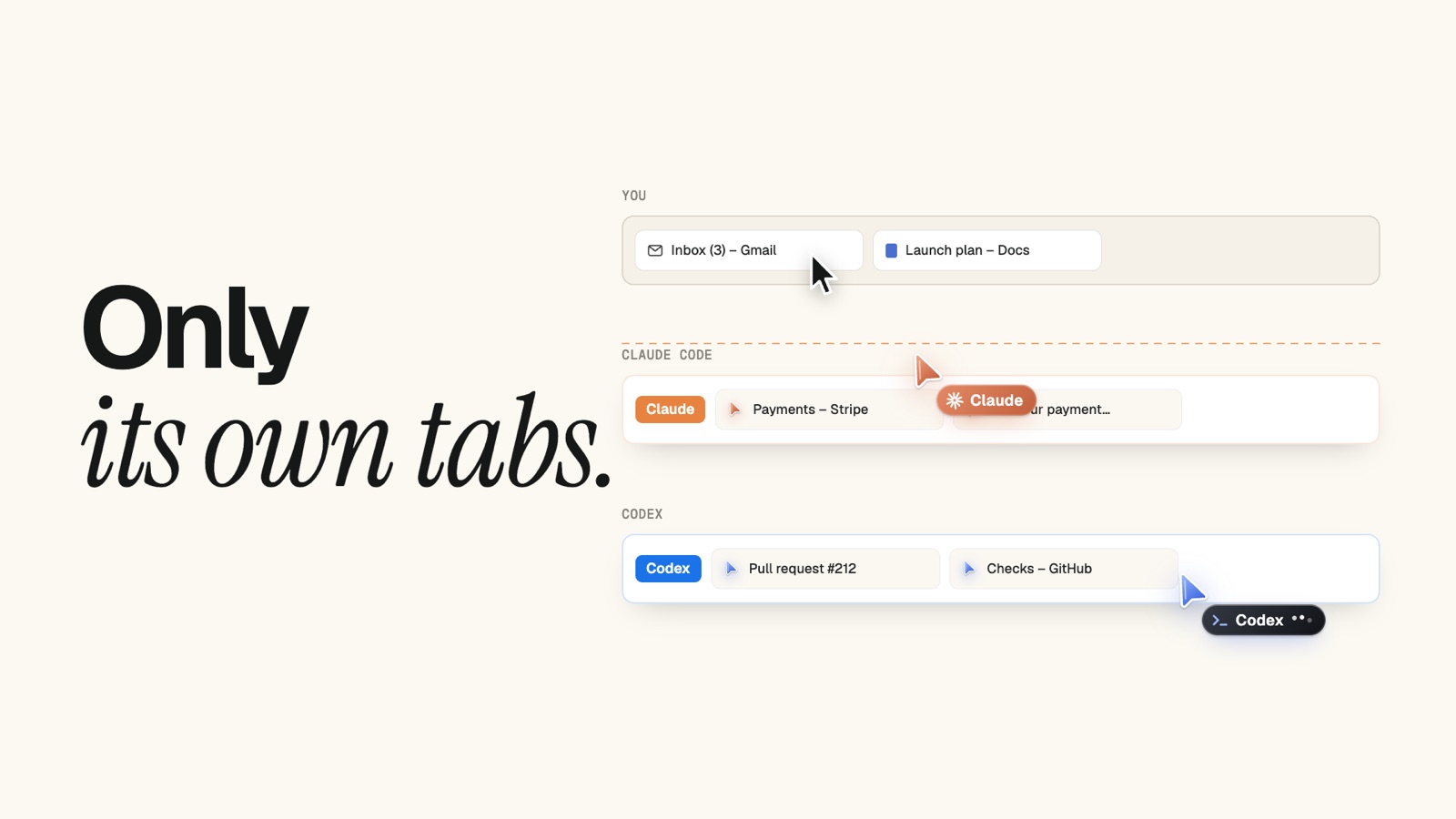
Tabhand is one extension for all of them, 19 agents in all. Each gets a tab group, a color and a cursor of its own, and none of them can reach another agent’s tabs, or yours.
No account to sign in to
OpenAI’s extension runs through the ChatGPT desktop app and your ChatGPT account. Tabhand has no account at all. It’s open source, it runs on your Mac, and nothing it sees leaves your computer.
Watch Codex work, or don’t
Codex’s tabs open in the background, and Chrome stays exactly where you left it. Click into its group when you’re curious and you’ll see its blue cursor moving, clicking and typing. One click on the Tabhand icon pauses it, and every other agent with it.
Side by side
| Tabhand | OpenAI’s extension | |
|---|---|---|
| Codex CLI and IDE extension | ✓ | Not documented |
| Claude Code, Cursor, OpenCode and 15 more | ✓ | — |
| No ChatGPT account | ✓ | — |
| Background tabs, your browser left alone | ✓ | ✓ |
| Asks before using each new site | — | ✓ |
| Edge, Brave, Opera and Vivaldi | — | ✓ |
Questions
Can I keep OpenAI’s extension? Yes. They’re separate extensions with separate tabs. Keep OpenAI’s for the desktop app if you like it, and use Tabhand everywhere else.
What will Codex ask before acting? Tabhand tells every agent to check with you before sending messages, posting, buying, deleting or changing settings. It can only reach the tabs it opened, and one click on the Tabhand icon stops it.
How long does setup take? About two minutes. The Codex guide shows each step and what you’ll see.
Give Codex your Chrome
npx tabhand setupFacts about OpenAI’s extension checked on October 20, 2026 against its browser extension docs, changelog and MCP docs. If something here is out of date, tell us.