Use your logged-in Chrome with Codex
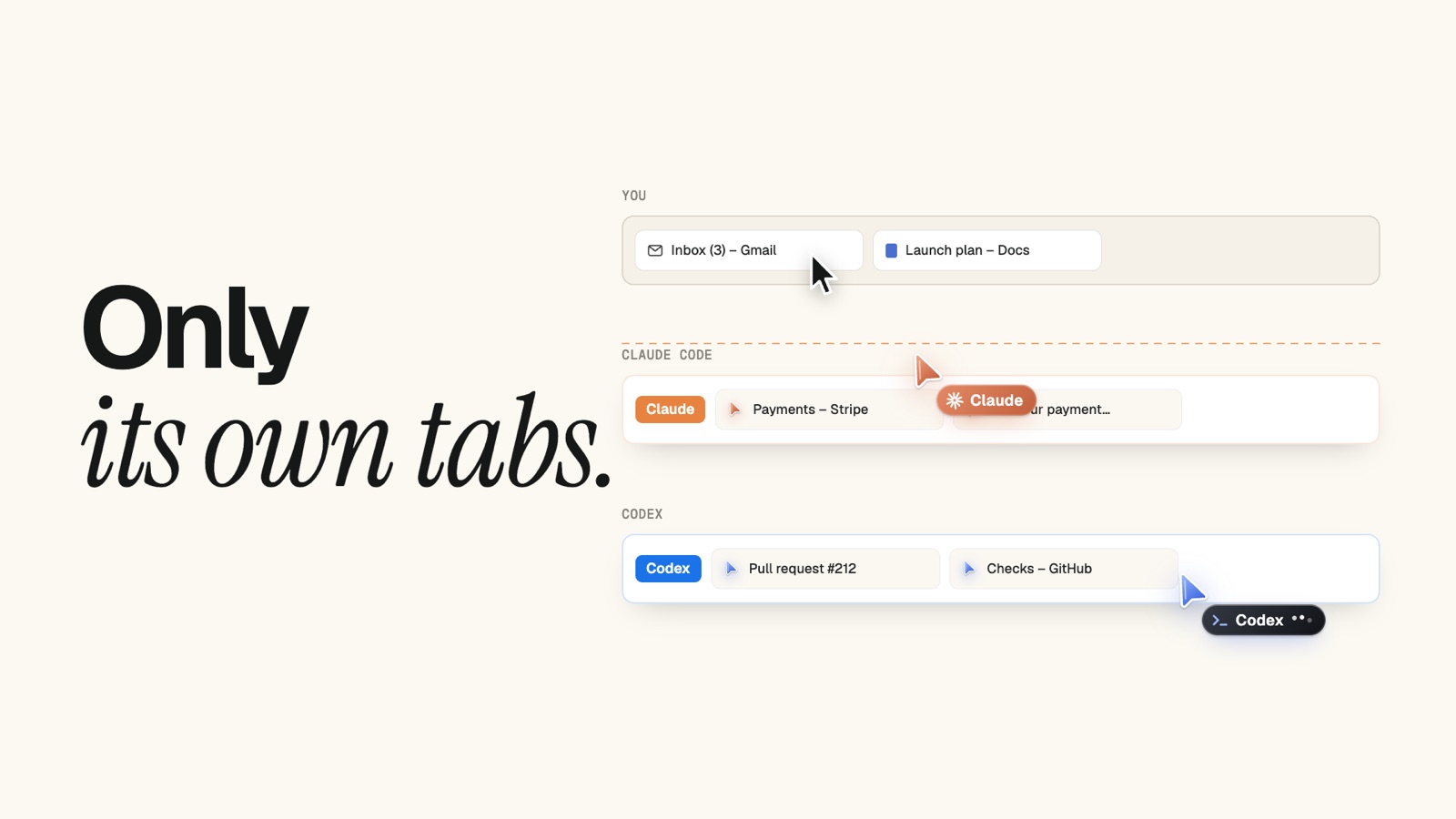
Give Codex the one browser it doesn’t have: yours. With Tabhand, Codex in the terminal, your editor or the app can open your dashboards, pull requests and admin pages, signed in as you, in tabs of its own.
Why this way
- Your real profile. The Codex app’s built-in browser keeps a profile “separate from your regular browser”, so you sign in again inside it. Tabhand uses the one you’re already signed in to.
- Every place you run Codex. OpenAI documents its Chrome extension in the ChatGPT desktop app. Tabhand works in the CLI and the IDE extension too.
- No ChatGPT account. Nothing to sign in to, nothing to pay for.
- Codex stays in its lane. Its tabs are grouped under its name, and your tabs are off limits to it.
1. Run setup
npx tabhand setup --harness codexSetup asks first, then runs Codex’s own codex mcp add. This is what lands in ~/.codex/config.toml, which the CLI, the IDE extension and the app all read:
[mcp_servers.tabhand]
command = "/Users/you/.tabhand/bin/tabhand"
args = ["mcp", "--label", "Codex", "--theme", "codex"]
If you use other agents too, drop --harness codex and setup offers Tabhand to each of them.
2. Add the extension
Setup opens Tabhand in the Chrome Web Store. Add it, and setup says All set once Chrome connects.
3. Start a new Codex session
Open a new session so Codex picks up the new server. Type /mcp in it, or run codex mcp list in a terminal: tabhand should be there.
4. Put it to work
Codex is usually deep in a repository, so the browser tends to be for the things around the code:
- “Open the failing GitHub Actions run for this branch and tell me which step broke.”
- “Look up the Sentry issue linked in this TODO and summarize the stack trace.”
- “Open the staging admin and check that the new settings page renders.”
A tab group named Codex opens at the end of your tab strip, with a blue cursor of Codex’s own. Chrome doesn’t come to the front. Run two Codex sessions and you get two groups, one each.
Good to know
OpenAI’s extension can stay. If you also use it from the ChatGPT app, the two don’t clash. They’re separate extensions, each with its own tabs.
Turning it off for a while. Add enabled = false under [mcp_servers.tabhand] in ~/.codex/config.toml. Delete the line to turn it back on.
Pausing. One click on the Tabhand icon in Chrome’s toolbar pauses every agent, Codex included.
How Tabhand compares with OpenAI’s extension.
Checked on October 20, 2026 with Tabhand 0.10 and OpenAI’s docs on MCP, the built-in browser and the browser extension.