Tabhand vs Playwright MCP: skip the sign-in page
You ask your agent to check your dashboard. Playwright MCP opens a new Chrome window, and your agent is staring at a sign-in page. Tabhand works in the Chrome you’re already signed in to, so your agent starts where you are: signed in, on every site.
npx tabhand setupWorks with Claude Code, Codex, Cursor and 16 more. Free and open source.
Signed in from the first request
By default, Playwright MCP starts Chrome with a profile of its own, one for each project you work in. None of your logins are in it, so you sign in to each site inside Playwright’s window, and again in every other project.
Tabhand uses your real Chrome profile. Sites behind two-factor codes, your company’s single sign-on and your personal inbox all work from the first request, because you already signed in to them.
Nothing to pick, nothing to approve
Playwright’s extension mode can reach your logged-in tabs too, but it’s a process. The first time your agent uses the browser, a page opens for you to choose a tab, and you approve the connection, unless you’ve copied the extension’s token into that agent’s config. You set up the server, the --extension flag and the token in each agent separately.
With Tabhand, the agent opens its own tabs whenever it needs them, and one npx tabhand setup covers every agent on your Mac.
Several agents, no locked profiles
Playwright’s profile can only be used by one browser at a time. Start a second agent in the same project and its server fails to start, unless you give it --isolated or a profile folder of its own.
Run as many agents as you like with Tabhand. Each session gets its own tab group, and they never get in each other’s way.
Chrome stays behind your work
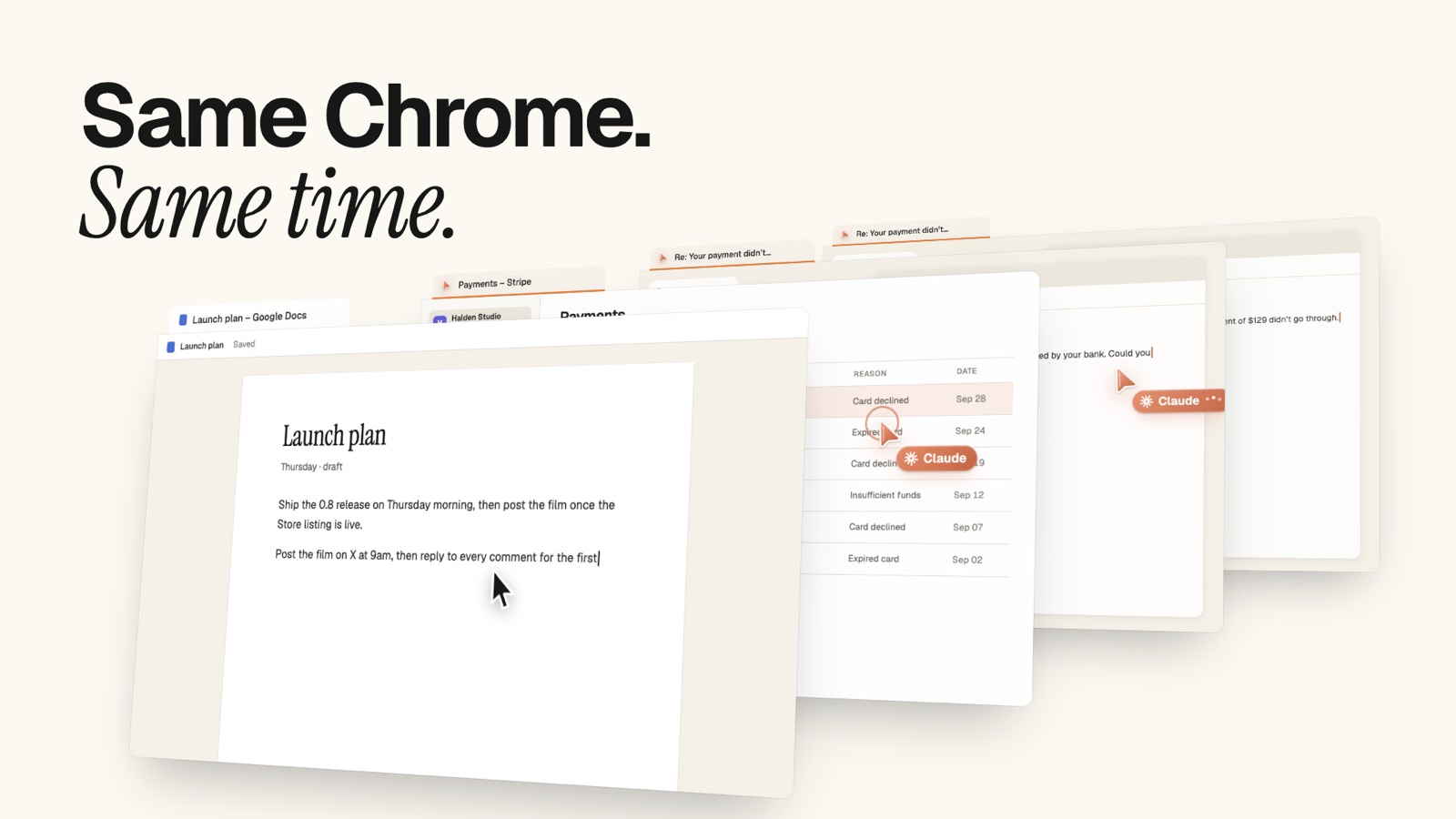
Playwright opens its browser in a window you can see. Tabhand’s tabs open in the background, muted, so Chrome doesn’t jump in front of whatever you’re doing.
Side by side
| Tabhand | Playwright MCP | |
|---|---|---|
| Your logins, from the first request | ✓ | In extension mode |
| Agent opens its own tabs, nothing to approve | ✓ | — |
| Several agents in one project | ✓ | With --isolated or extension mode |
| One setup for every agent | ✓ | — |
| Firefox, WebKit and phone emulation | — | ✓ |
| Traces, video and headless runs in CI | — | ✓ |
Testing your own app?
Keep Playwright for that. Clean, repeatable browsers, Firefox and WebKit, traces and video are what it’s built for. For everything that needs your accounts, give your agent Tabhand. The two can run side by side.
Questions
Does Tabhand replace Playwright for testing? No, and it doesn’t try to. Tabhand is for getting work done in your own browser.
Which agents does Tabhand work with? Claude Code, Codex, Cursor, OpenCode, Gemini CLI and 14 more. Setup finds the ones on your Mac.
What does it cost? Nothing. No account, no usage limits.
Give your agent your Chrome
npx tabhand setupFacts about Playwright MCP checked on October 20, 2026 against its README, its docs on user profiles and connecting to browsers, and the Playwright Extension README. If something here is out of date, tell us.