Every agent in your Chrome, not just Claude
Claude in Chrome gives one agent your browser, on a paid plan, in a window you share with it. Tabhand gives every agent you use tabs of its own in your signed-in Chrome, in the background, for free.
npx tabhand setupFree and open source. Works with Claude Code, Codex, Cursor and 16 more. Nothing leaves your Mac.
Why people switch
Every agent, one extension
Claude in Chrome works with Claude. OpenAI’s extension works with ChatGPT and Codex. Each AI company’s extension serves its own agent, so two agents would mean two extensions and two subscriptions.
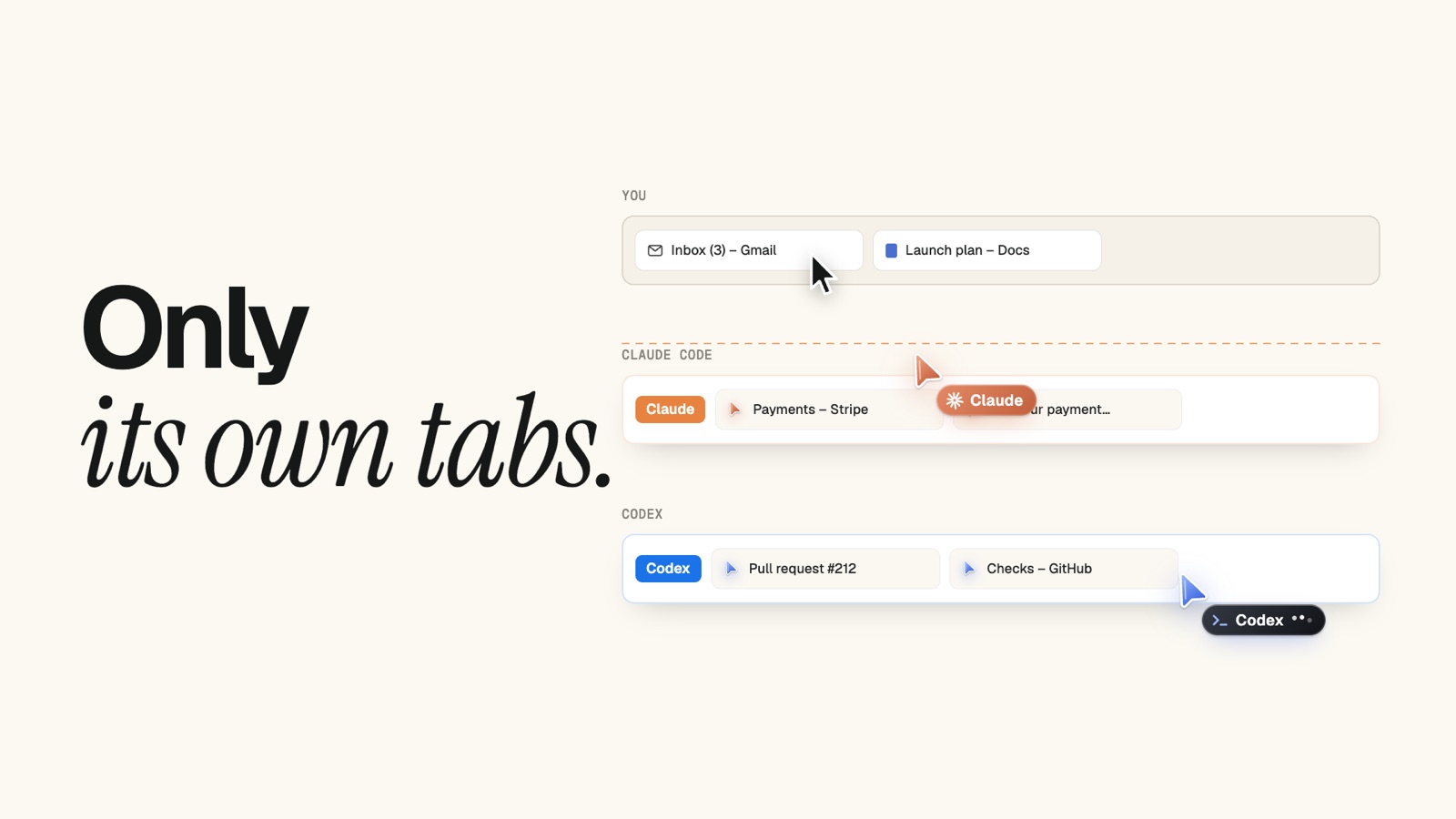
Tabhand serves all of them, from one setup command: Claude Code, Codex, Cursor, OpenCode, Gemini CLI and 14 more. Run three at once and each gets its own tab group, color and cursor, and none can touch another’s tabs.
Free, with any Claude plan or none
Claude in Chrome needs Pro, Max, Team or Enterprise, and Claude Code has to be signed in with /login. On an API key, Claude Code keeps it switched off, even when you pass --chrome. Through Amazon Bedrock, Google Cloud or Microsoft Foundry, it isn’t available at all.
Tabhand doesn’t ask how you pay for your agent. No plan, no account, no key.
You keep your browser
Anthropic’s docs say Claude in Chrome’s actions “run in a visible Chrome window in real time”.
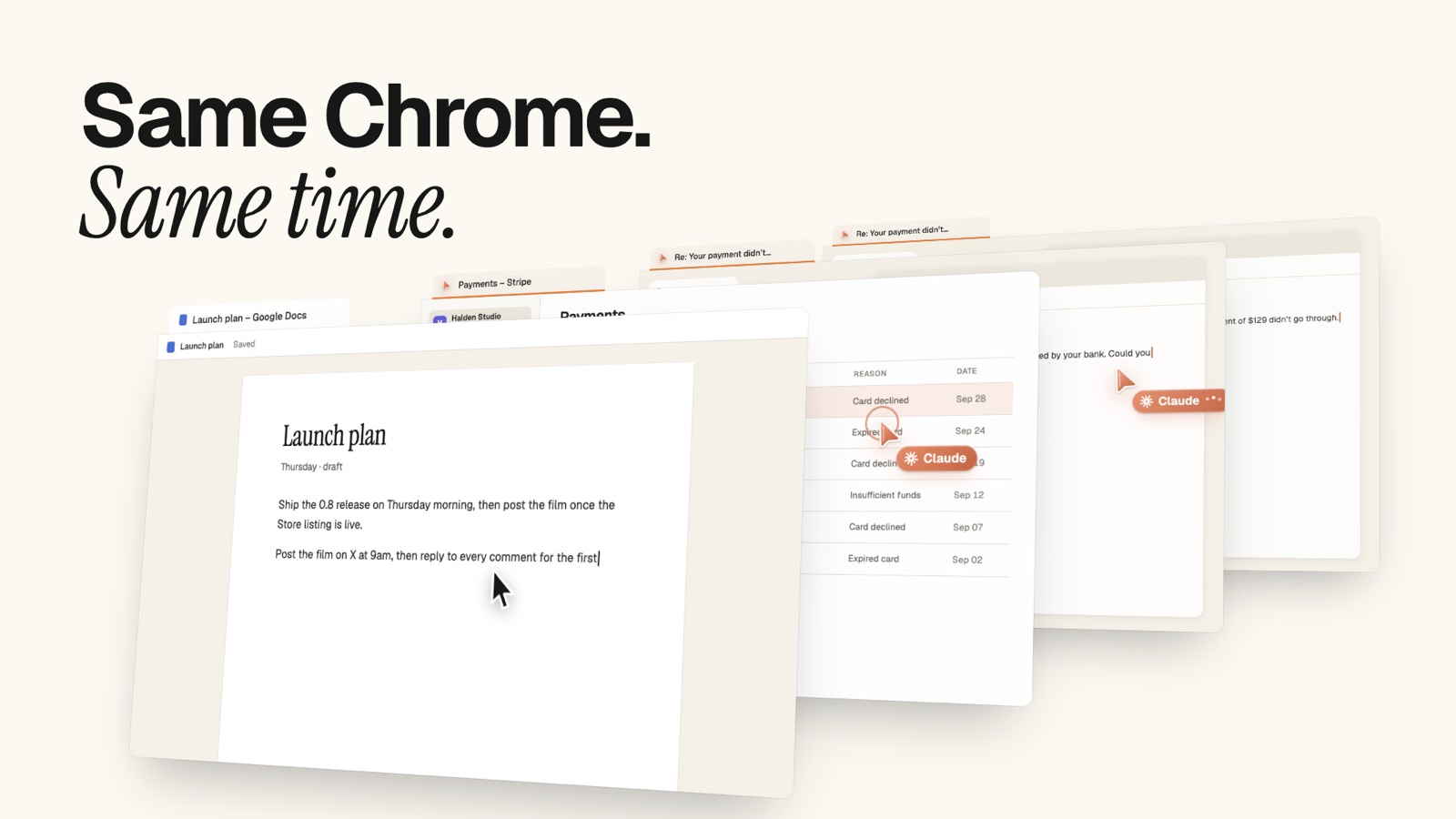
Tabhand’s agents work in background tabs, muted. Chrome never jumps to the front, and the tab you’re in stays put, so you can keep writing while your agent works through your dashboards in tabs behind you.
Work and personal, kept apart
Signed in to work in one Chrome profile and personal in another? Tabhand works in each of them, by name. Tell your agent “use my work profile” and it does, and it stays there.
Side by side
| Tabhand | Claude in Chrome | |
|---|---|---|
| Codex, Cursor, OpenCode and other agents | ✓ | — |
| Free, with no account | ✓ | Paid plans |
| Claude Code on an API key or Bedrock | ✓ | — |
| Works while you keep using Chrome | ✓ | Visible window |
| Chat in a side panel | — | ✓ |
| Edge, Brave and Windows | — | ✓ |
Is it safe to give an agent my Chrome?
Tabhand is built so you don’t have to take that on trust:
- Agents only reach their own tabs. An agent can use the tabs it opened and pages those open. Your tabs, and other agents’ tabs, are off limits.
- One click stops everything. The Tabhand icon in Chrome’s toolbar pauses every agent at once.
- Agents check with you first. Tabhand tells them to ask before sending messages, posting, buying, deleting or changing settings.
- Nothing leaves your Mac. No servers, no accounts, no telemetry. The code is on GitHub for anyone to read.
Questions
Can I keep Claude in Chrome? Yes. They’re separate extensions, each with its own tabs.
Does Tabhand work with Claude Code? Yes, on any plan or API key. The Claude Code guide takes two minutes.
What does it cost? Nothing, and there’s no usage limit.
Give your agents your Chrome
npx tabhand setupSetup adds Tabhand to the agents on your Mac and opens the Chrome Web Store for the extension. Restart your agent and ask it to open a page. The docs have the rest.
Facts about Claude in Chrome checked on October 20, 2026 against Anthropic’s Claude in Chrome guide and Claude Code docs, and OpenAI’s browser extension docs. If something here is out of date, tell us.