Tabhand vs Browserbase: no meter, no logins to set up
Browserbase rents your agent a browser in the cloud by the hour, and every one starts signed out. Tabhand gives your agent the Chrome you already have, signed in to everything, for as long as it needs, for nothing.
npx tabhand setupFree and open source. No account, no API key. Works with Claude Code, Codex, Cursor and 16 more.
No meter running
Browserbase’s free plan is one browser hour a month, and each session stops after 15 minutes. After that, you pay for time:
| Plan | Per month | Browser hours | Browsers at once |
|---|---|---|---|
| Free | $0 | 1 | 3 |
| Developer | $20 | 100, then $0.12 each | 25 |
| Startup | $99 | 500, then $0.10 each | 100 |
An agent that spends two hours a day in a browser uses its free hour on the first morning and about 40 hours over a month. That’s the Developer plan, plus the AI model Browserbase’s tools run on, which paid plans bill on top.
With Tabhand, the same month costs nothing. So does the next one.
No logins to set up
Every Browserbase session starts signed out of everything. To keep a login, you create a Context, start a session with it, sign in by hand through the live view, end the session and wait for it to save. Then do it again for the next site, and again whenever a site signs you out. Browserbase also warns against using one Context in two sessions at once, since sites may sign you out.
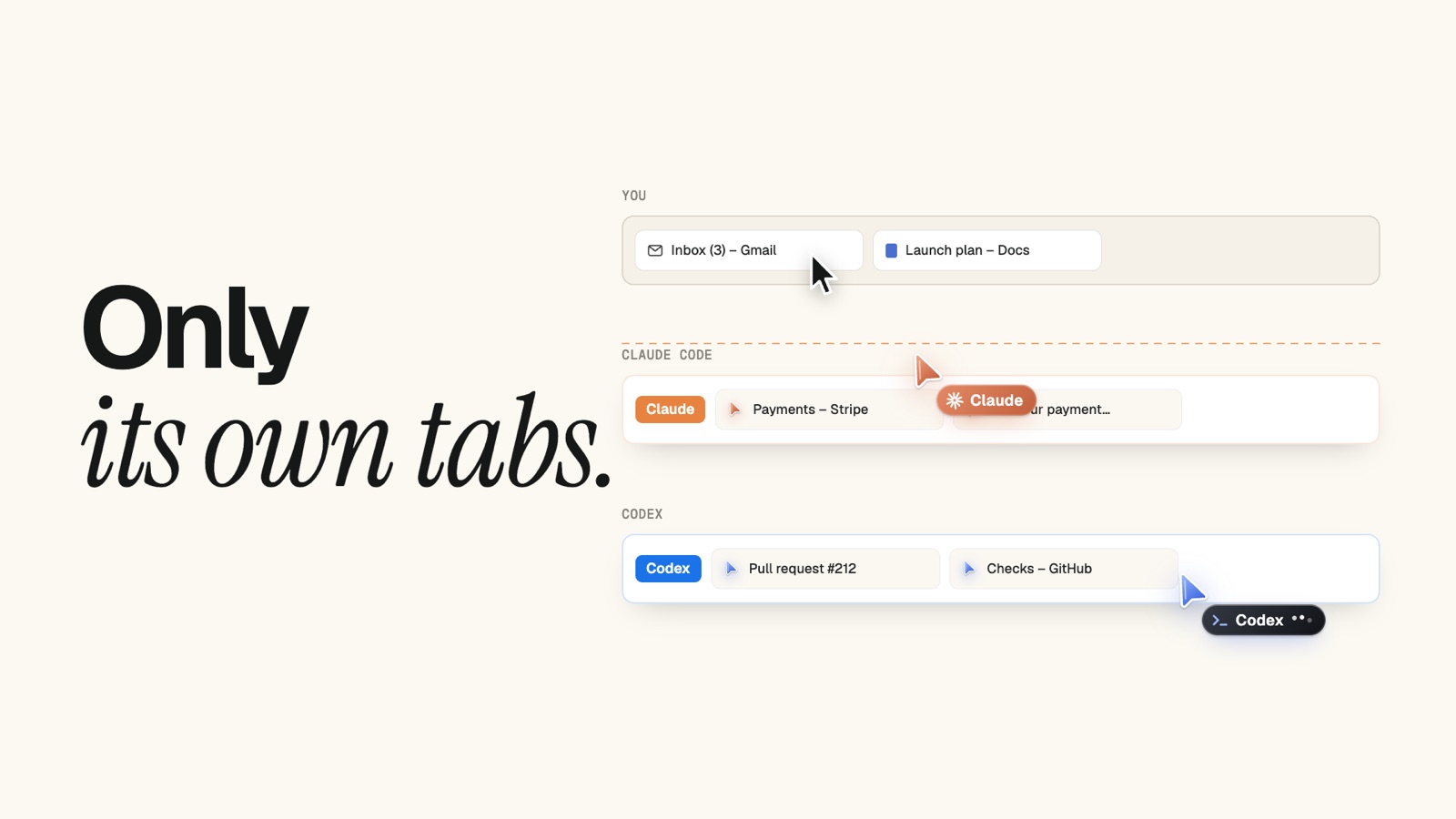
Your agent doesn’t need any of that with Tabhand. It works in your own Chrome, where you’re already signed in, including the sites that are hardest to sign in to from a cloud browser: the ones behind two-factor codes and your company’s single sign-on.
No second AI in the loop
Browserbase’s MCP tools work through Stagehand, which calls an AI model of its own to act on the page, Google’s Gemini 2.5 Flash-Lite unless you pick another. Setting it up takes a Browserbase API key, and a model key if you change the model.
With Tabhand, your agent reads the page and acts on it directly. There’s no other model, and no key.
Your pages stay on your Mac
In Browserbase, your agent’s pages load in Browserbase’s cloud, and sessions are recorded for replay unless you turn that off. Tabhand runs on your computer and sends nothing anywhere: no servers, no accounts, no telemetry.
Side by side
| Tabhand | Browserbase | |
|---|---|---|
| Free, with no time limit | ✓ | 1 hour a month |
| Already signed in to every site | ✓ | Sign in per site |
| No API key, no extra AI model | ✓ | — |
| Pages stay on your computer | ✓ | — |
| Hundreds of browsers at once | — | ✓ |
| Proxies and CAPTCHA solving | — | Paid plans |
Building a product that browses?
That’s Browserbase’s job: agents on servers, browsing for your users, at scale. For your own agents on your own Mac, working in your own accounts, Tabhand is all you need.
Questions
Can Browserbase use the Chrome on my computer? Its cloud browsers can’t. A Browserbase skill can copy your Chrome’s cookies into a Context, once you turn on Chrome’s remote debugging.
Is Tabhand really free? Yes. It’s open source under the MIT license, with no paid tier and no usage limits.
Which agents does it work with? Claude Code, Codex, Cursor, OpenCode, Gemini CLI and 14 more. Setup finds the ones on your Mac.
Give your agent your Chrome
npx tabhand setupFacts about Browserbase checked on October 20, 2026 against its pricing and its docs on Contexts, plan limits and MCP setup. If something here is out of date, tell us.