Use your logged-in Chrome with OpenCode
OpenCode can fetch a web page, but it has no browser, so anything behind a login is out of reach. One command changes that: OpenCode gets your own Chrome, signed in to everything, in tabs of its own that stay in the background.
Why this way
- A real browser, with your logins. Pages that need you signed in, or that only render in a browser, open the way they do for you.
- Its own tabs, never yours. OpenCode’s tabs are grouped under its name. Your tabs, and other agents’ tabs, are off limits.
- Free and local, like OpenCode. Tabhand is open source and sends nothing anywhere.
1. Run setup
npx tabhand setup --harness opencodeAfter asking, setup adds Tabhand to OpenCode’s global config. It keeps your comments and saves a copy of the original in ~/.tabhand/backups. In ~/.config/opencode/opencode.json, or opencode.jsonc if that’s what you have, you’ll find:
"mcp": {
  "tabhand": {
    "type": "local",
    "command": ["/Users/you/.tabhand/bin/tabhand", "mcp", "--label", "OpenCode", "--theme", "opencode"],
    "enabled": true
  }
}
2. Add the extension
Setup opens Tabhand in the Chrome Web Store. Add it, and setup says All set once Chrome connects.
3. Check OpenCode sees it
Start OpenCode again, then run:
opencode mcp listtabhand should be listed as connected. Inside OpenCode, its tools carry the server’s name in front, like tabhand_browser_open_tab.
4. Ask
- “Read the docs page for this API, the one behind our company login, and fix the client to match.”
- “Open the PR this branch belongs to and answer the review comments.”
- “Check our status page and the error dashboard, then tell me if the outage is still going.”
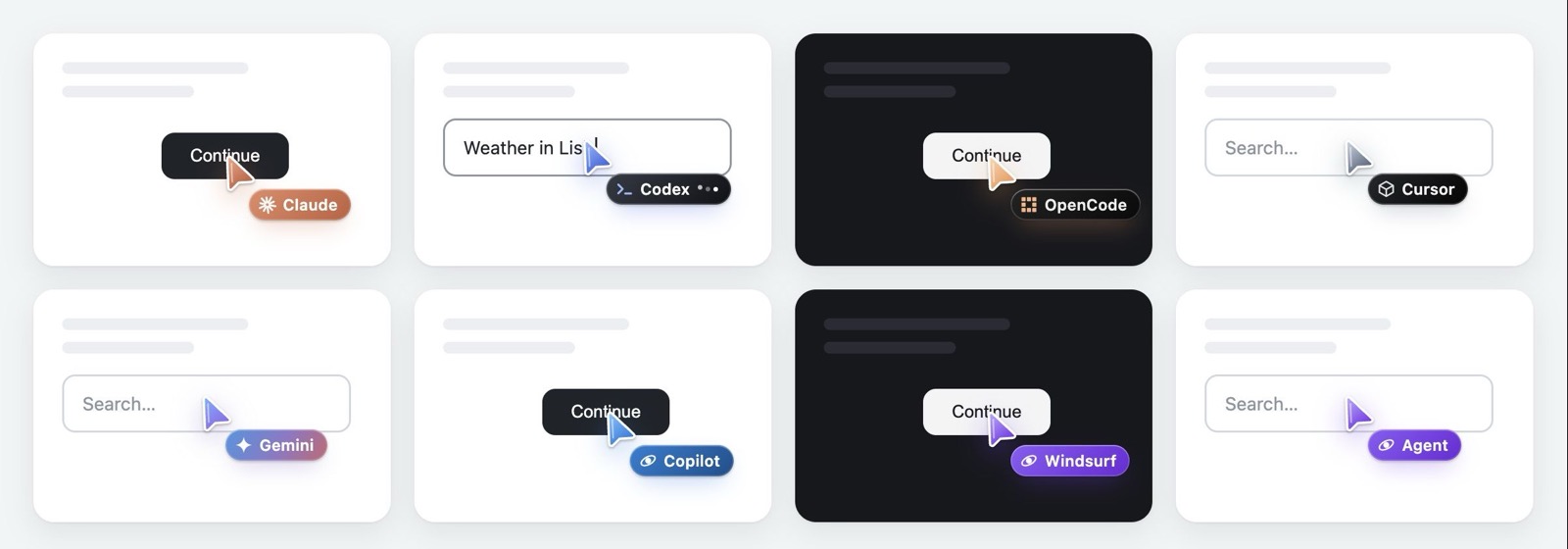
OpenCode’s tabs open in a group named OpenCode, with its own cursor, while Chrome stays where it was.
Good to know
Not in this project. Tools can be switched off per project. In that project’s opencode.json, add "tools": { "tabhand_*": false }.
Several sessions. Each OpenCode session gets its own tab group, so two sessions never work in the same tab.
Your other agents. If you also use Claude Code, Codex or Cursor, run setup without --harness and each gets Tabhand, with a group and a cursor of its own.
Checked on October 20, 2026 with Tabhand 0.10 and OpenCode’s docs on MCP servers, tools and the CLI.