Use your logged-in Chrome with Cursor
Cursor’s agent can already browse, inside the editor. Give it your Chrome as well, and it can reach everything you’re signed in to: Linear, Figma, your dashboards, your company’s tools. Every project, no signing in again.
Why this way
- Signed in everywhere, once. Cursor’s built-in browser keeps its own cookies, separately for each workspace, so every project means signing in again. Tabhand uses the Chrome profile you already live in.
- Out of your way. The agent’s tabs open in the background of your Chrome, and Chrome never jumps in front of the editor.
- The CLI too. Cursor’s CLI uses the same MCP settings, so its agent gets your Chrome as well.
- One setup for every agent. Claude Code, Codex and the rest get Tabhand from the same command.
1. Run setup
npx tabhand setup --harness cursorAfter asking, setup adds Tabhand to ~/.cursor/mcp.json, the file for tools available in every project:
{
  "mcpServers": {
    "tabhand": {
      "type": "stdio",
      "command": "/Users/you/.tabhand/bin/tabhand",
      "args": ["mcp", "--label", "Cursor", "--theme", "cursor"]
    }
  }
}
2. Add the extension
Setup opens Tabhand in the Chrome Web Store. Add it, and setup says All set once Chrome connects.
3. Restart Cursor
Cursor’s docs say to restart it after editing a server by hand. Then open Customize in the sidebar and check that tabhand is switched on.
4. Ask the agent
- “Open the Linear issue for this branch and check the code covers everything in it.”
- “Compare our pricing page in production with the one on localhost.”
- “Find the Figma link in the PR description and list what changed in the design.”
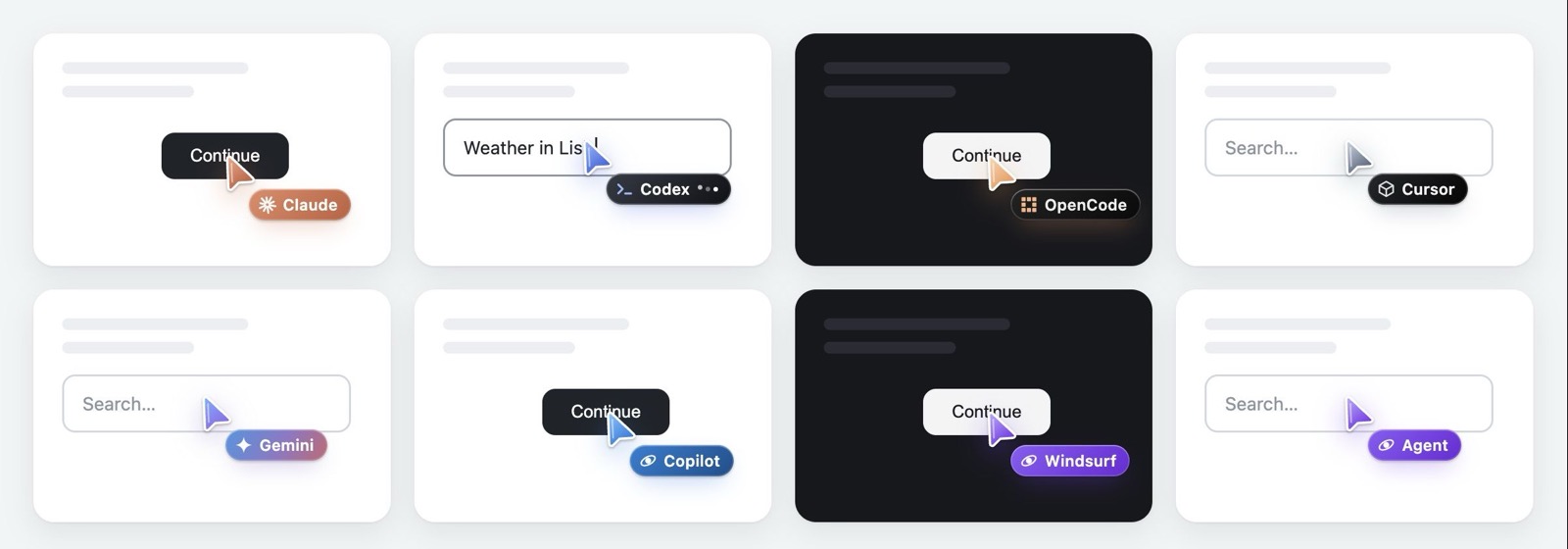
The agent opens its tabs in a group named Cursor, with a grey cursor of its own, and Chrome stays behind the editor. It can only reach the tabs it opened.
Which browser when
Keep both. Cursor’s built-in browser sits next to your code and shows the agent its console and network requests, which is ideal for the app you’re building. Tabhand is for everything that needs your accounts.
Good to know
The CLI. Check it with agent mcp list.
Cloud agents. Cursor’s cloud agents run in virtual machines in Cursor’s cloud, not on your Mac, so they can’t reach your Chrome. The agent in the editor and the CLI can.
Checked on October 20, 2026 with Tabhand 0.10 and Cursor’s docs on its browser, MCP, the CLI and cloud agents.